Complete website health overview
Use one WordPress site management tool to view health, uptime, updates, SSL, and security scores for every site from a single dashboard.
Manage every WordPress site from one dashboard, and get expert help when it needs attention.Manage multiple WordPress sites from one dashboard while monitoring website health, security, performance, updates, uptime, and more—and get expert help when something needs attention.
Every connected website continuously reports its health, security, updates, and performance to your SiteWon dashboard so you can identify issues before they become problems.
Use one WordPress site management tool to view health, uptime, updates, SSL, and security scores for every site from a single dashboard.
Track SSL, domain expiration, and security health with scores and actionable recommendations.
SEO scores, Core Web Vitals, competitor insights, and more are included with SiteWon.
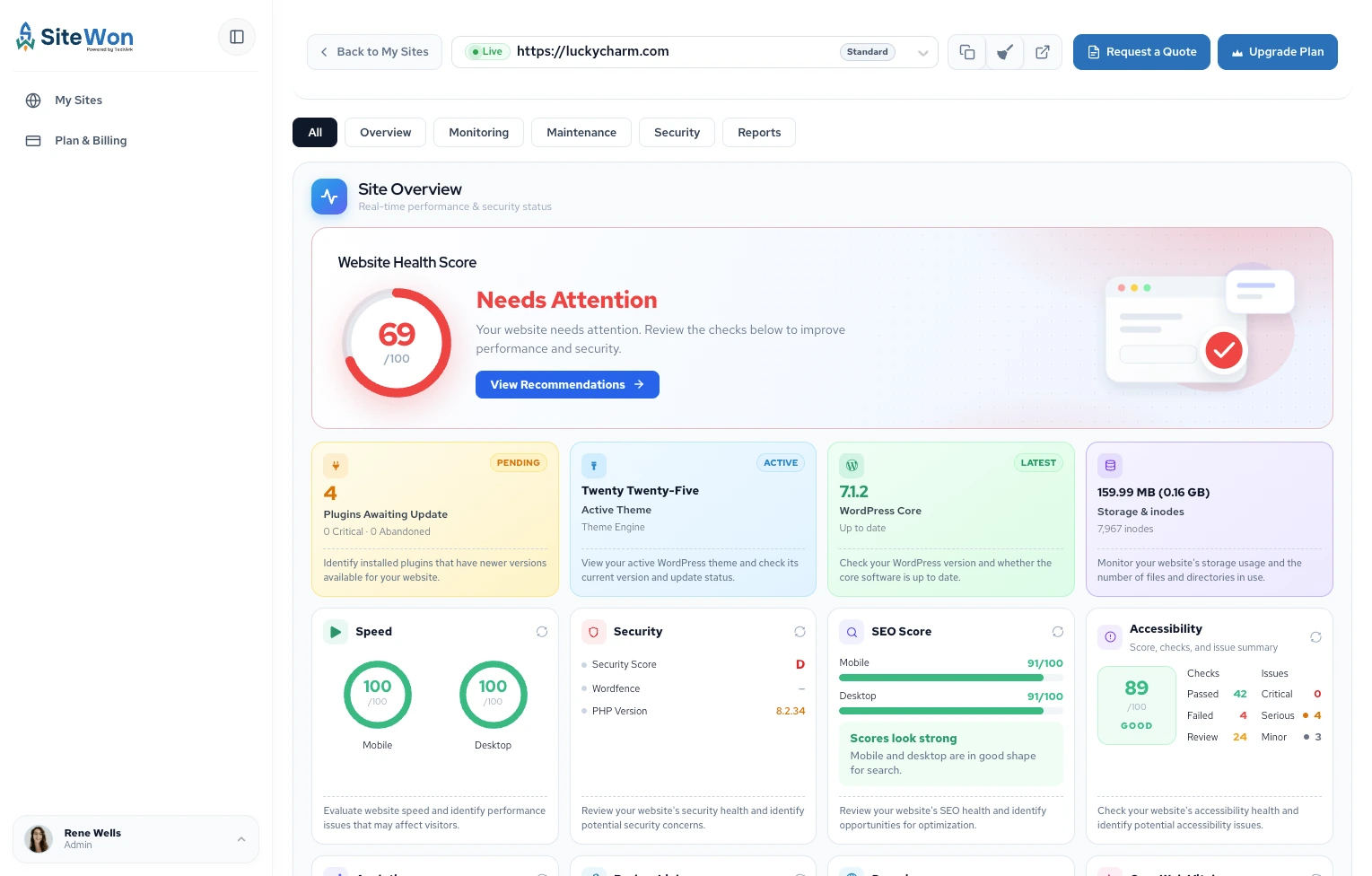
Managing websites shouldn't consume your team's day.
SiteWon helps agencies streamline website maintenance with a WordPress multi-site management platform that reduces manual work, improves website reliability, and quickly identifies issues across every client website.
Keep websites updated and online
Monitor security continuously
Stay ahead of domain expirations
Scale from one website to hundreds
Monitoring is only the first step. When SiteWon detects an issue, you don't have to spend hours troubleshooting or finding the right support.
SiteWon Fix helps resolve website issues quickly, keeping your site secure, functional, and running smoothly.
Diagnose issues and handle other WordPress development work.
Fix conflicts, broken layouts, and compatibility problems.
Resolve site errors, broken features, and form problems.
Speed up slow pages and fix performance problems.
Handle maintenance, updates, and configuration.
Address security issues quickly after SiteWon flags them.
1Subscribe and sign in
Choose a plan and log in to your SiteWon dashboard.
2Install the WordPress plugin
Download and install SiteWon on your WordPress site.
3Connect with your license key
Generate a license key, paste it in the plugin, and connect.
4Monitor your websites
Your site appears in the dashboard and starts reporting.
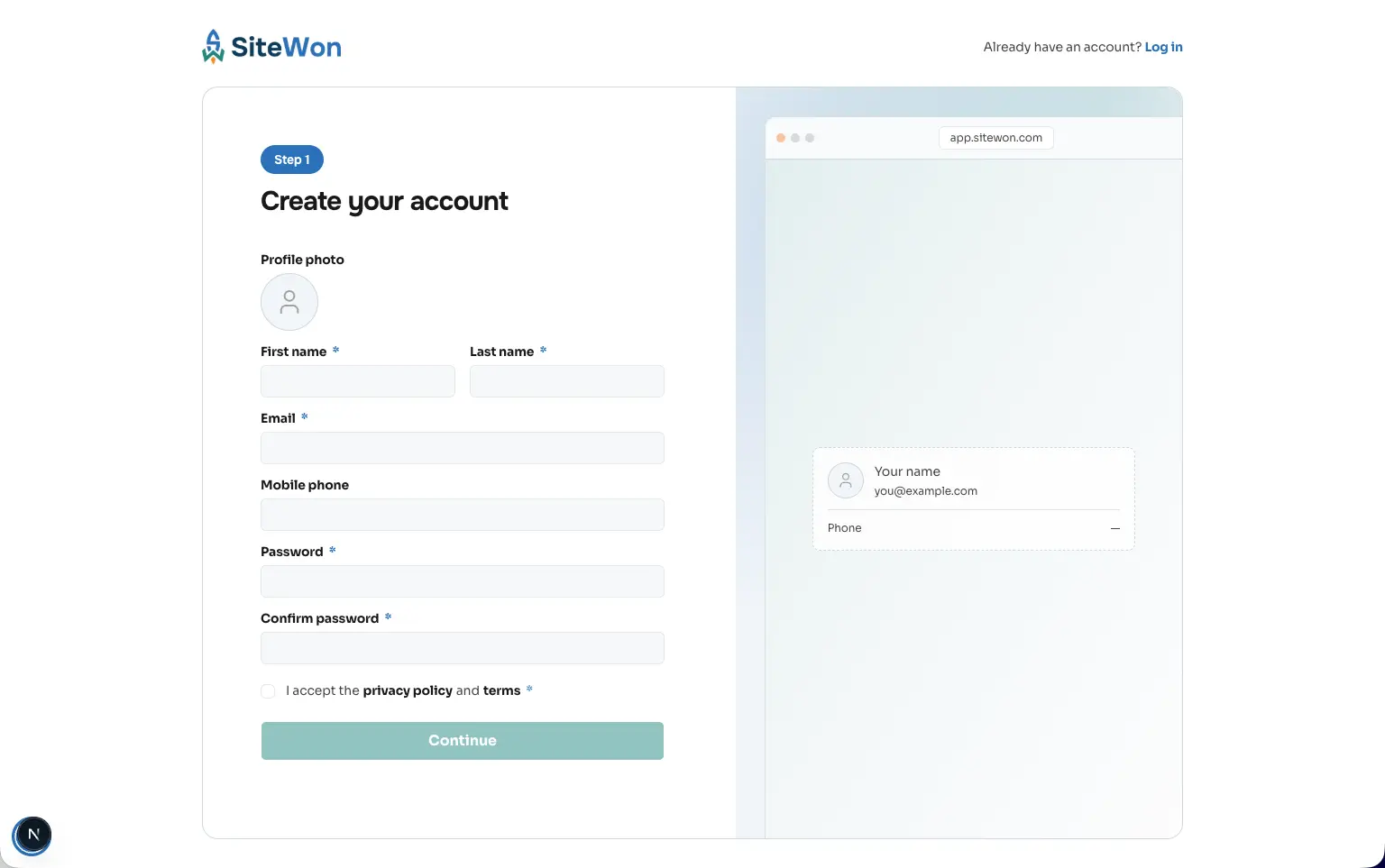
Whether you run one business site, manage client portfolios, or offer monitoring through your hosting or MSP practice, SiteWon gives you visibility without changing how sites are hosted.
Monitor health, security, performance, updates, and uptime from one dashboard—and get expert help when something needs attention.
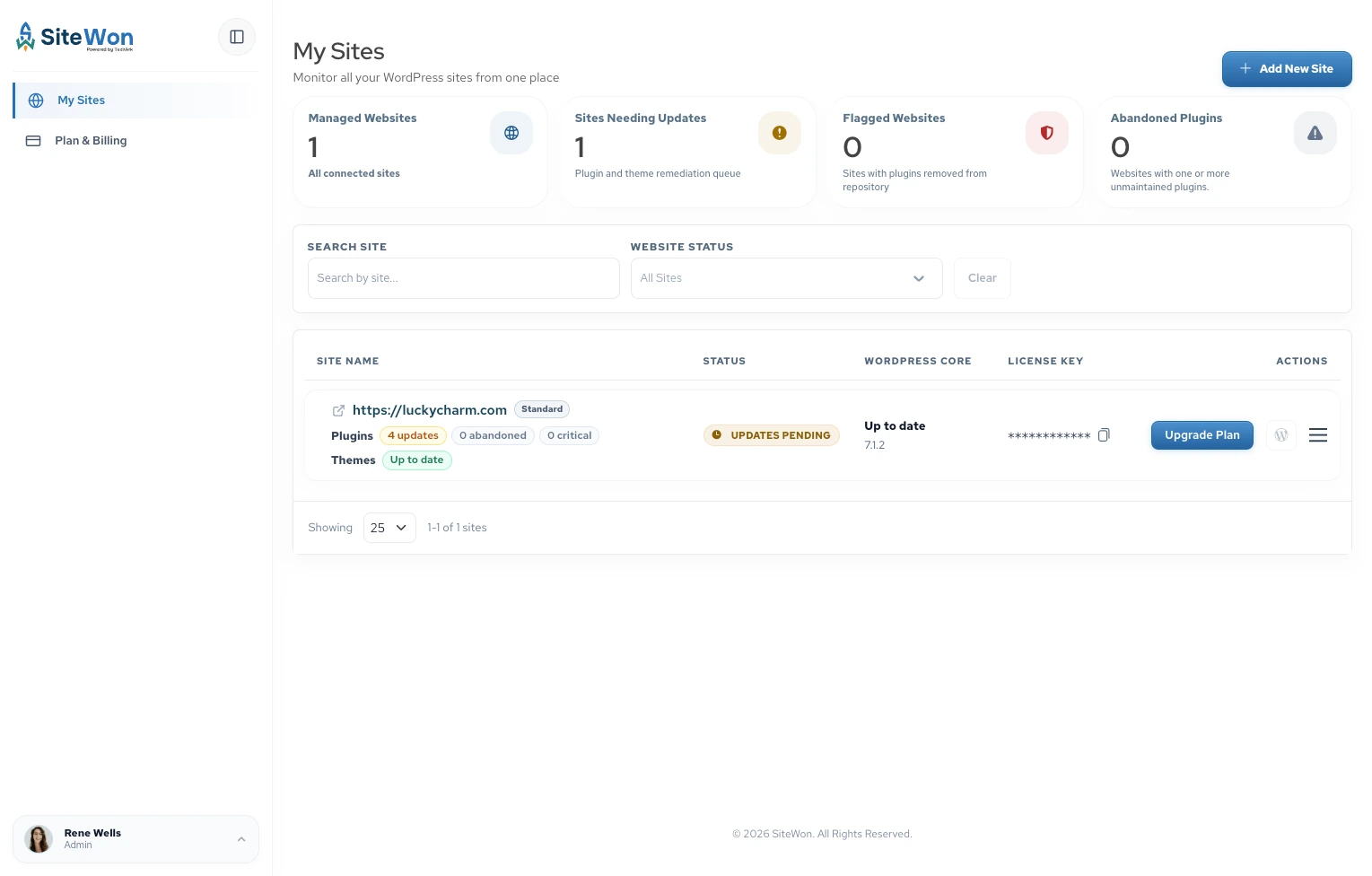
SiteWon basics—who it's for and how to get started.
SiteWon is built for anyone responsible for managing WordPress websites, including:
Whether you manage one website or hundreds, SiteWon helps simplify website management.
New to SiteWon or ready to get started? We're here to help.